★★★★★
"After so many years I finally learned how to model. I would like the fingers to be included but this is five stars mate. Well done, absolutely worth it!"
Learn simple techniques to make PS1 characters in Blender and level up your game art.
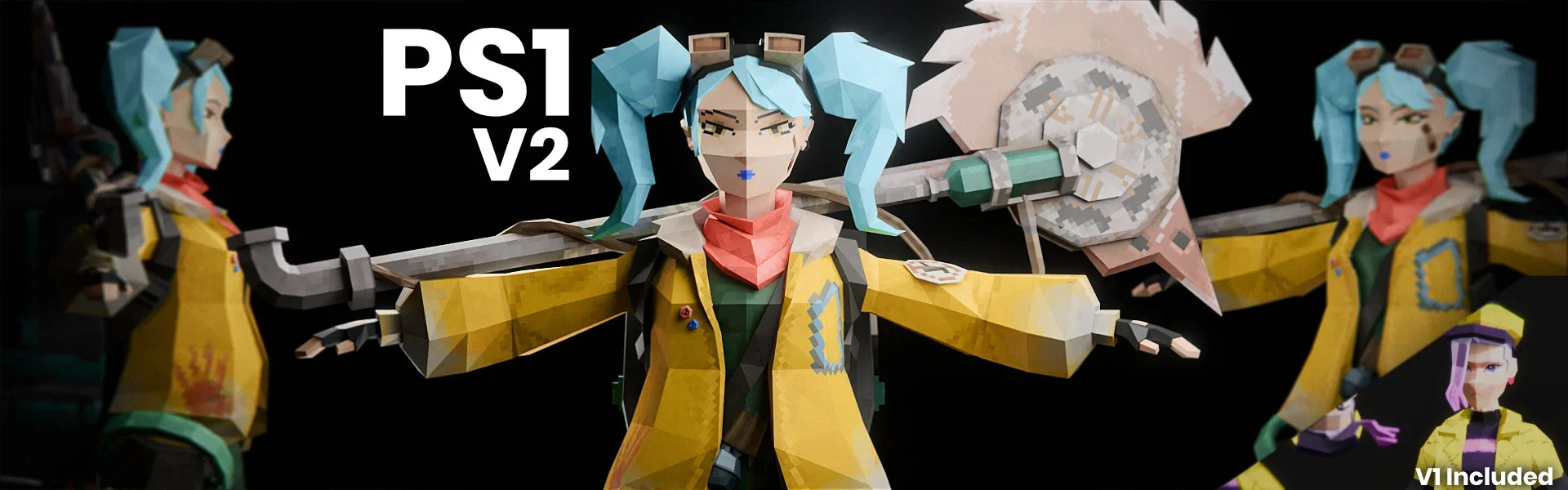
Whether you want to make better characters than ever before, speed up your workflow, or finally understand the "why" behind the tools, this guide gives you a clear system to follow. You're not just copying me, you're learning real skills.
8+ Hours of brand new video covering everything from mesh to finished PS1 character.
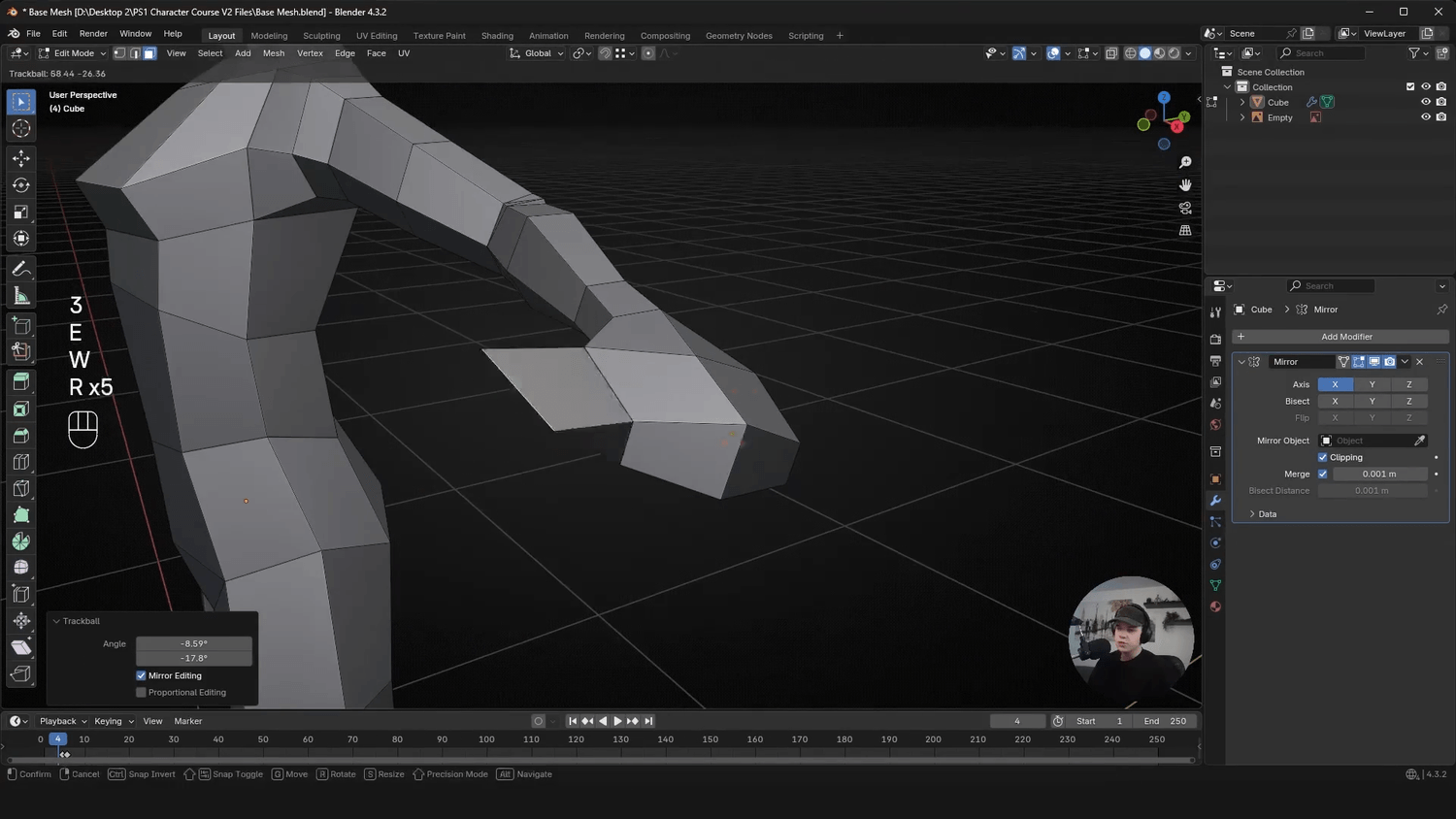
MODULE 01
Learn the basics of making a clean base mesh from start to finish, with good proportions and style.
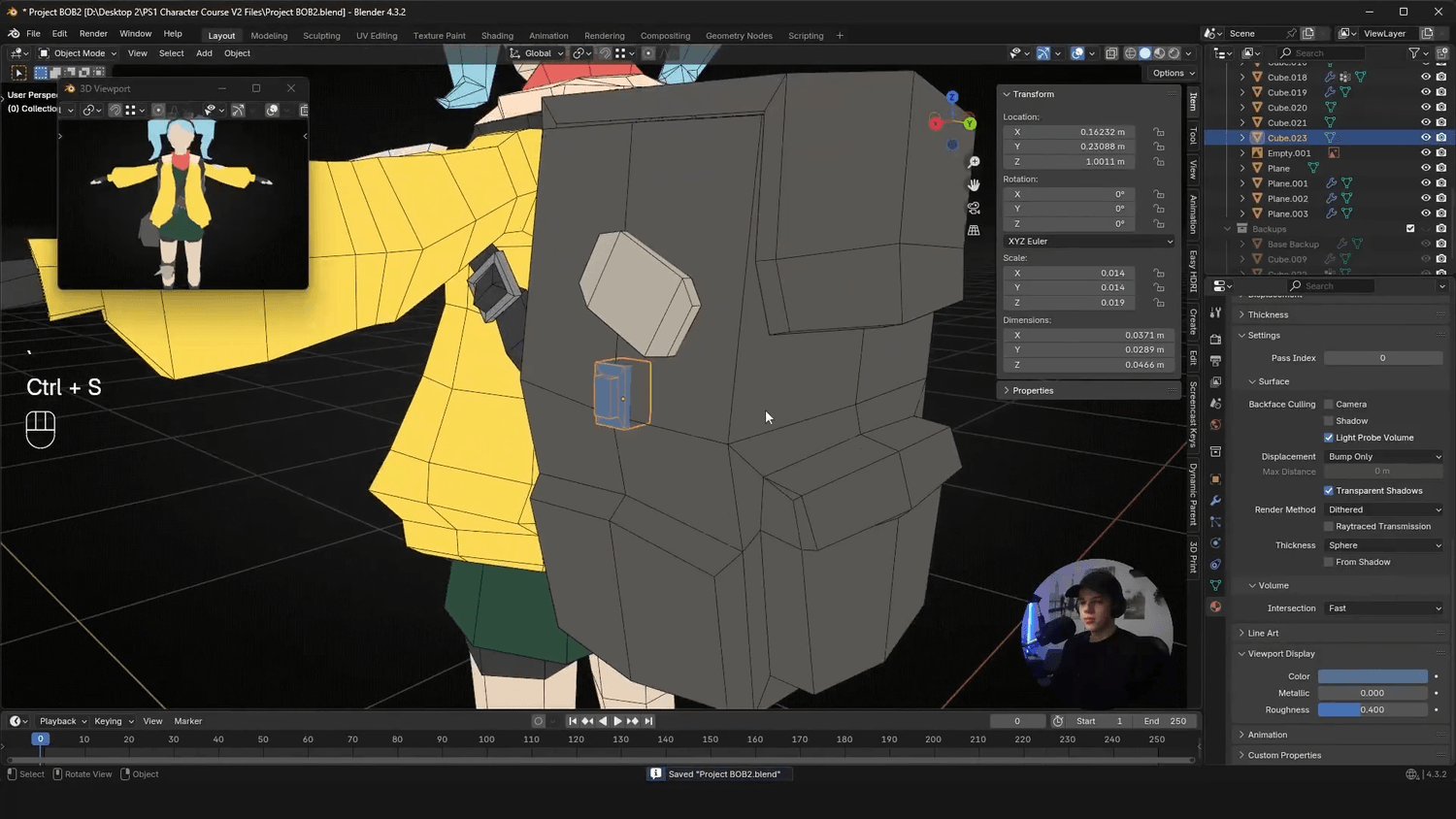
MODULE 02
Everything from clothing and hair to weapons and headphones. Simple tools and workflows so anyone can make anything.
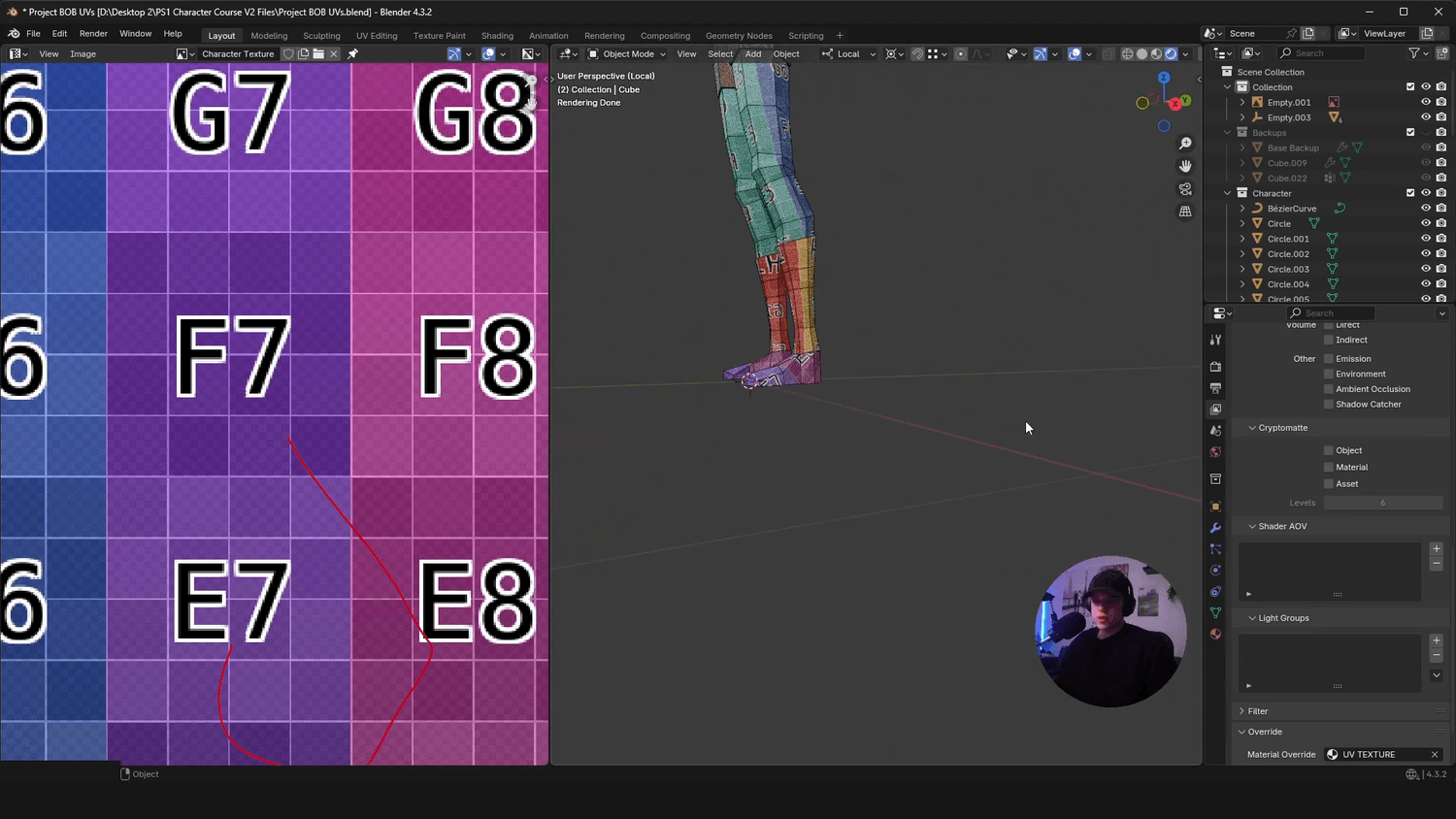
MODULE 03
Step by step guide to unwrapping UVs for your PS1 characters.
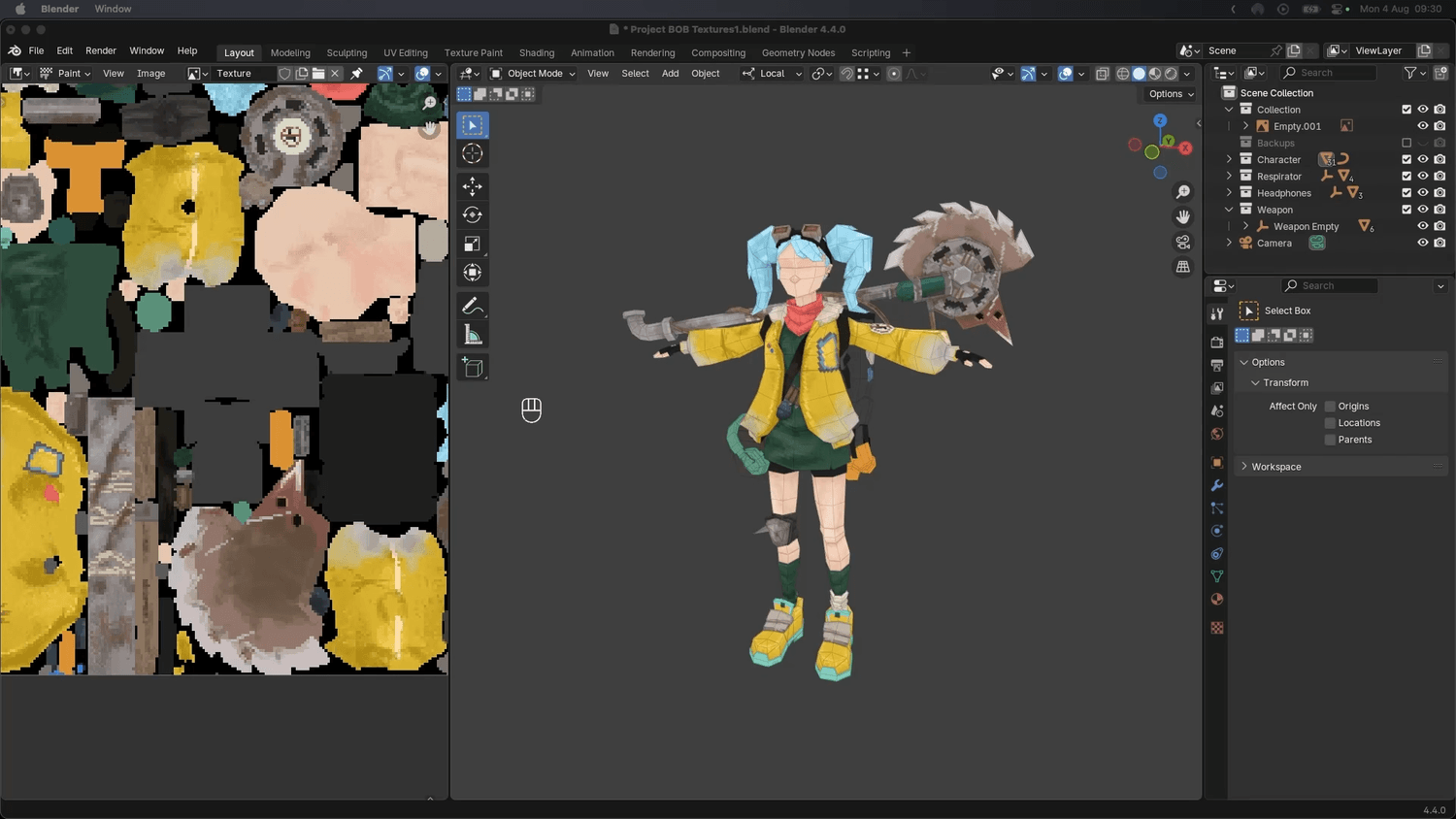
MODULE 04
In depth guide teaching you my process and tricks to be able to texture beautiful PS1 characters in Blender.
"After so many years I finally learned how to model. I would like the fingers to be included but this is five stars mate. Well done, absolutely worth it!"
"I'm almost through the UVs, I'm really glad I took this course honestly. I learned a lot of methods I never knew about, and this is after years of online modeling classes where I mostly worked on props."
"As a complete Blender beginner this course is great. I used it as a guide to model a character off a different piece of artwork instead of following exactly along, and it still taught me all the required skills. Excellent pacing."
"Tom, thank you for the amazing tutorial! I learned a lot being a beginner and was able to create my first character and animate it. Really appreciate the in-depth explanation of every step."
"Very very informative, worth every penny!"
"It is a very thorough guide and I learned a lot, particularly when it comes to rigging. Thomas goes at a fast pace so be ready to pause and rewind, but the depth of knowledge is absolutely there."
I'm confident you'll love this course, but if for any reason you're not satisfied, contact me within 30 days for a full refund. No questions asked.
This is perfect for someone lost in their Blender progress — you've learned the basics but want to take your skills to the next level and start creating better assets for games. If you've followed tutorials but still struggle to create good-looking characters on your own, this course is for you.
Yes! I offer a 30-day money-back guarantee. If you're not satisfied with the course, just reach out and I'll send your money back.
This course is best suited to people who already know Blender basics. If you're patient and a quick learner you'll still get a lot out of it, but some prior experience will help you get the most from the pace and depth of the content.
You won't be left on your own. If you run into any issues, message me and I'll do my best to help. You can send screenshots of your work, ask questions, and get feedback directly from me and other game devs.
You get lifetime access to all course materials, plus all future updates are included for free.
All content should work in the latest version; if you run into any issues please reach out and I'll get it sorted.